 About us
 Services
 Projects
 Blogs
Blogs


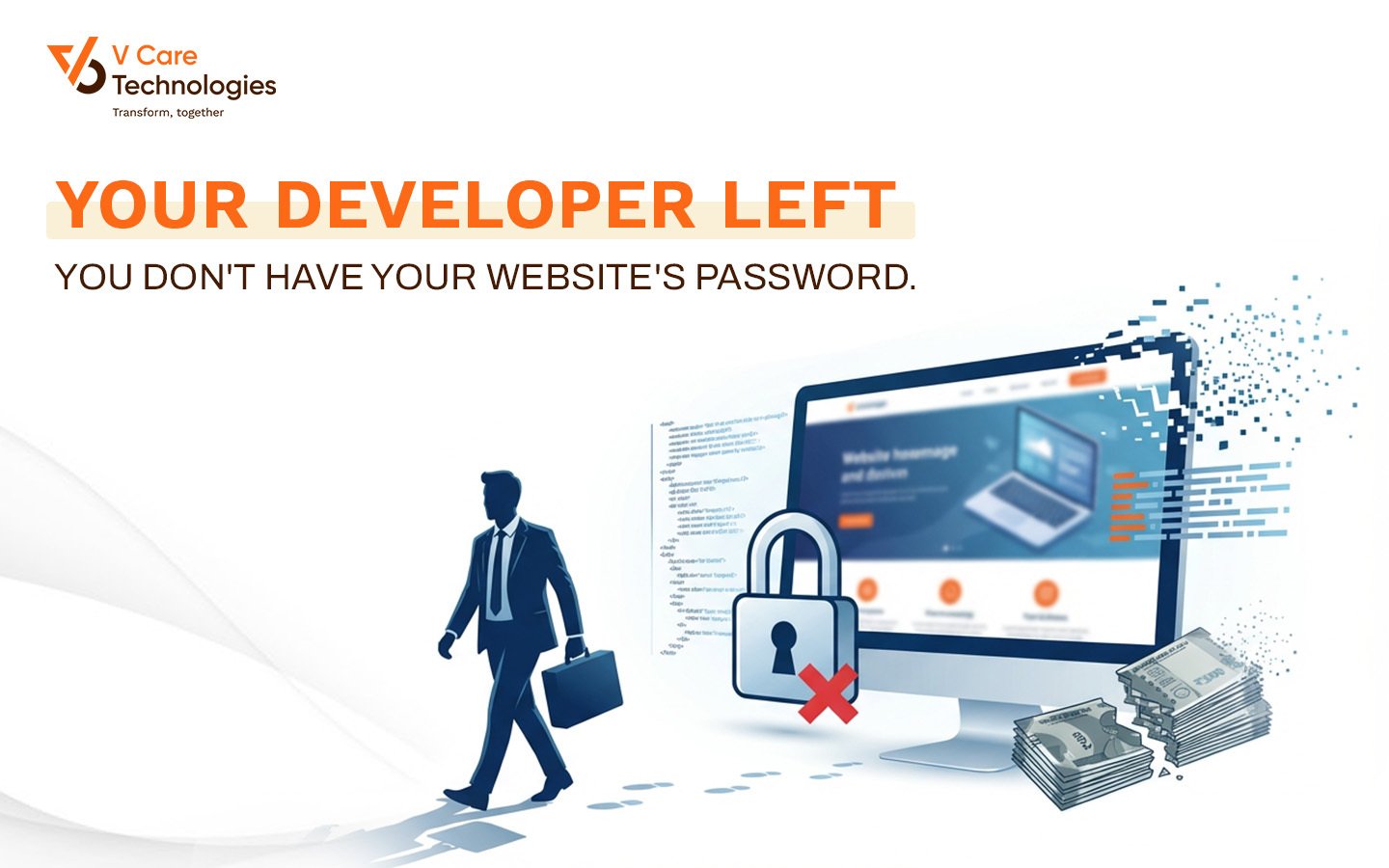
The Digital Property You Don't Actually Own
Your business website is your digital property. It carries
your brand, your content, your customers' trust. It's registered in your business
name. It's obviously yours.
Or is it?
Here's a question that makes many business owners
uncomfortable: If your developer or agency disappeared tomorrow, could you
still access your website? Could you update content? Could you renew your
domain? Could you move to a different hosting provider if needed?
For a surprising number of businesses, the answer is no.
The Story That Happens Too Often
A trader had a well-established business with a professional
website. The developer who built it four years ago handled everything: domain
registration, hosting setup, email configuration, annual renewals. The business
owner simply paid the bills when asked.
Then the developer became unreachable. Phone switched off.
WhatsApp messages blue-ticked but never replied. Emails bounced.
When the domain renewal date came, there was no one to renew
it. The domain expired. Within days, someone else registered it.
For two months, the trader's business name - the name he'd
built over fifteen years - belonged to someone else on the internet. His emails
stopped working. His website showed a parked page with ads. Customers trying to
reach him thought the business had closed.
He eventually recovered the domain through a costly and
stressful legal process. But for two months, his digital identity didn't exist.
And he never knew how many customers he lost during that blackout.
The Credentials You Must Own
Your website consists of multiple components, each with its
own access credentials. You need to own every single one.
Domain registrar login is where your web address
(yourbusiness.com) is actually registered. This is the most critical
credential. Whoever controls this can point your domain anywhere - or let it
expire.
Hosting account login is where your website files actually live.
Without this, you cannot update content, fix issues, or migrate to a different
server.
Website admin panel credentials let you log into your
website's backend. For WordPress sites, this is the wp-admin login. Without
this, you cannot edit pages or add content.
SSL certificate management is often bundled with hosting but
may be separate. Your SSL keeps your site secure and trusted.
Email server access controls your business email. If your
email is hosted with your website, losing hosting access means losing email
access.
Third-party service logins include any connected services:
payment gateways, analytics, form builders, CDN services, backup services.
The Red Flag That Should Worry You
When an agency says "we'll handle everything, you don't
need to worry about passwords," they're essentially saying "trust us
to always be available and never have disputes with you."
This is not about trust. Even the most trustworthy agency
can go out of business. Developers take up jobs in other cities. Companies shut
down unexpectedly. People become unreachable for countless reasons that have
nothing to do with malicious intent.
Your access to your own digital property should never depend
on another party remaining available and cooperative.
How To Secure Your Website Ownership
Start by documenting what currently exists. Ask your
developer or agency for complete access credentials to every component of your
website infrastructure.
If they resist, that's a problem worth escalating. Your
business paid for these services. You should have access to what you paid for.
Create a master document listing:
- Domain
registrar (company name, URL, login email, password)
- Hosting
provider (company name, control panel URL, login, password)
- Website
admin (URL, username, password)
- SSL
certificate (provider, expiry date, renewal login if separate)
- Email
hosting (if different from website hosting)
- All
third-party services connected to your website
Store this document securely. Not in WhatsApp chat. Not in a
random email thread. In a secure location that authorized team members can
access.
Verify that you're listed as the owner on all these
accounts. Some services differentiate between technical contact and owner. You
must be the owner.
Set your own calendar reminders for renewal dates. Don't depend
on others to remember.
Key Takeaways
- Your
website is digital property that requires ownership of all access
credentials
- If
your developer disappeared tomorrow, you should still have complete access
- "We'll
handle everything" is a red flag when it means you don't get
passwords
- Create
a master document with all credentials stored securely
The Bottom Line